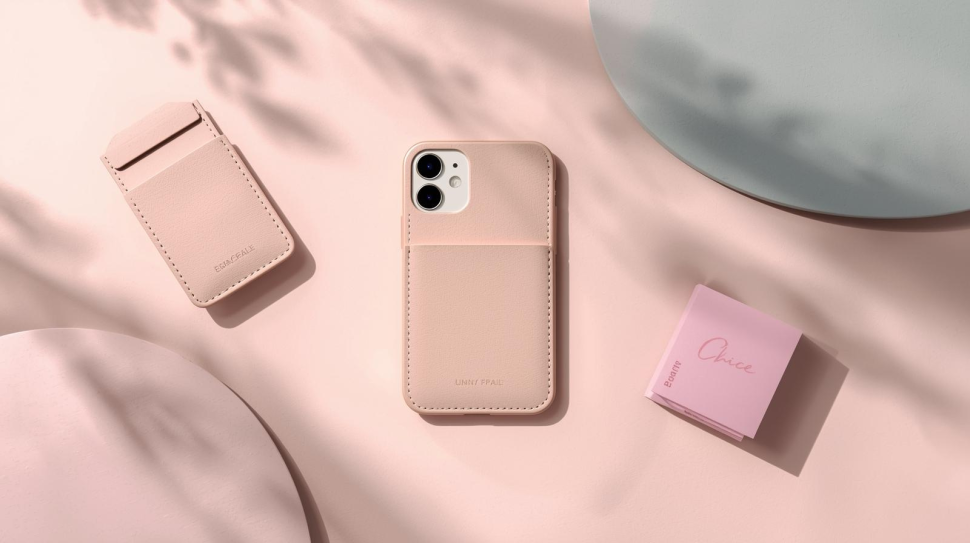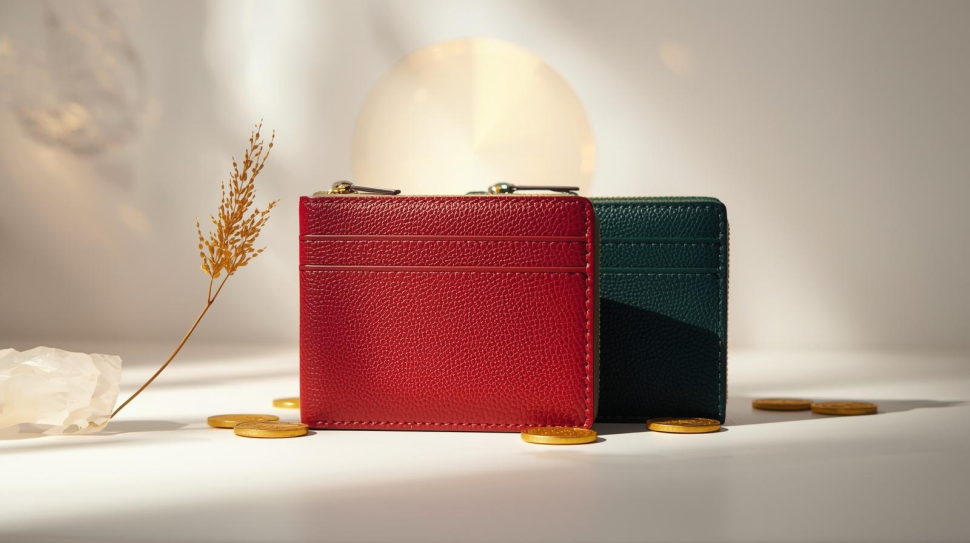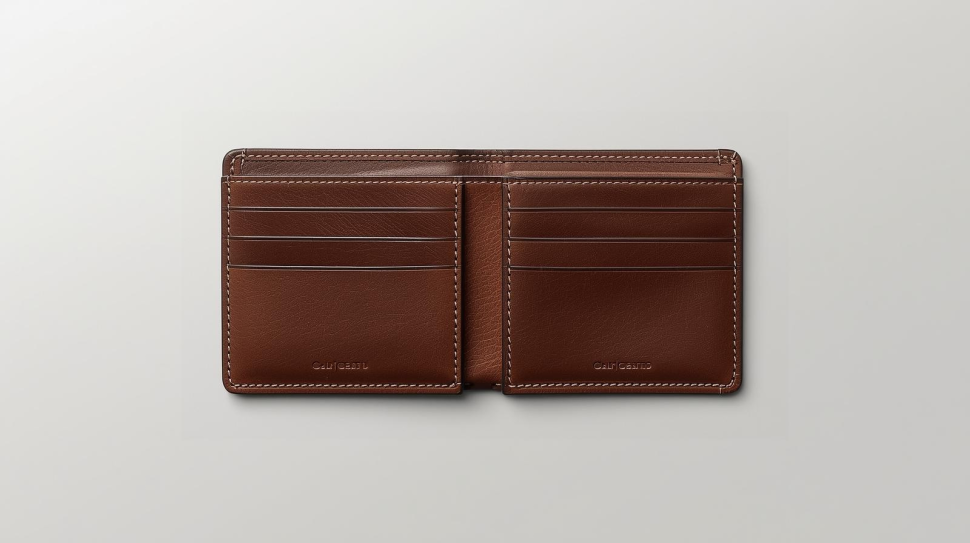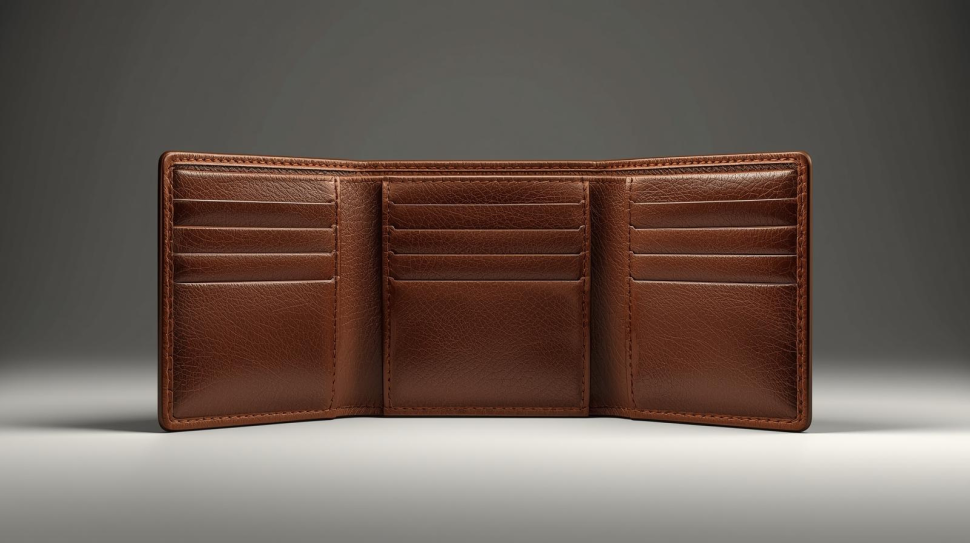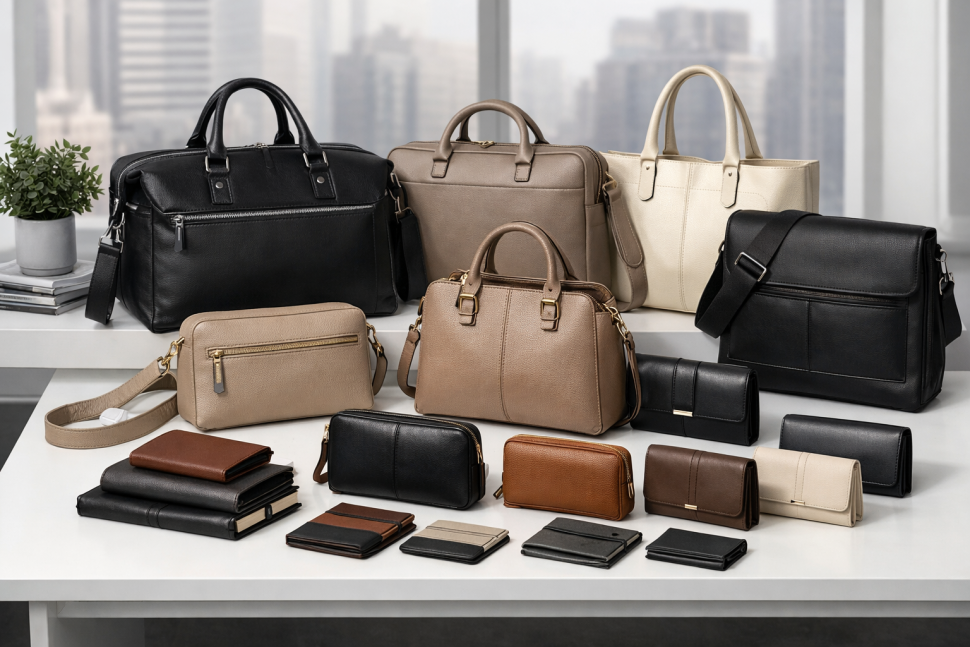
Bulk purchases of bags and wallets should boost your profits, not drain them. In 2026, retailers, boutiques, and online sellers still make the same mistakes, which cause slow sales and returns, negative reviews, and shrinking profit margins.
The way you select your wholesale bulk bags & wallets can make or break your business, whether you are selling fashion accessories, leather products, or everyday carry items. Once you know where to look, it’s easy to fix these mistakes.
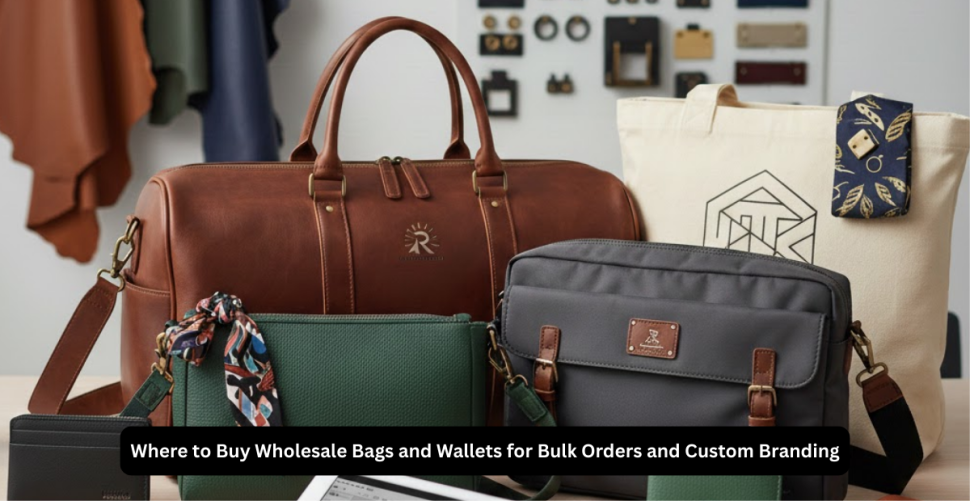
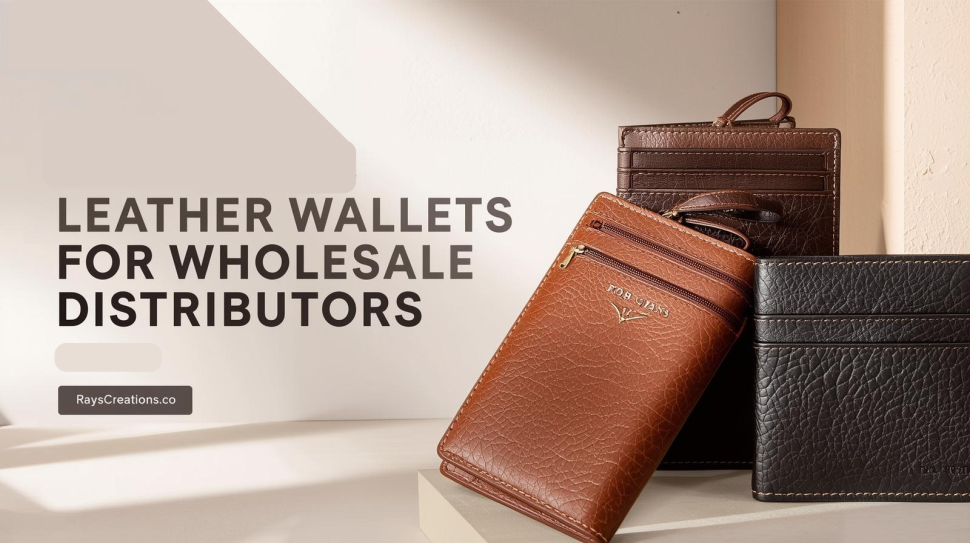
This guide will show you how to select the best mix of bulk wholesale duffle bags, premium quality bulk leather purses, bulk leather wallets, and bulk laptop bags. You will learn how a reliable and profitable partner, such as Rays Creations, can help you source.
Mistake 1: Chasing the Cheapest Price Instead of Real Profit
The competition will be fierce in 2026, and you may find it tempting to go for the lowest price. On paper, your cost per unit drops. Your hidden costs actually increase.
Cheap suppliers often make compromises on materials, stitching, and zippers. This is true for all product categories, including bulk wholesale wallets & bags and bulk duffle bags, as well as bulk laptop bags. The result is:
- Returns and refunds
- Negative reviews can hurt future sales
- Short product life, so customers do not reorder
- Spending extra time on quality complaints
The difference in price per bag is not worth the value you will gain from a customer who trusts your product. Focus on:
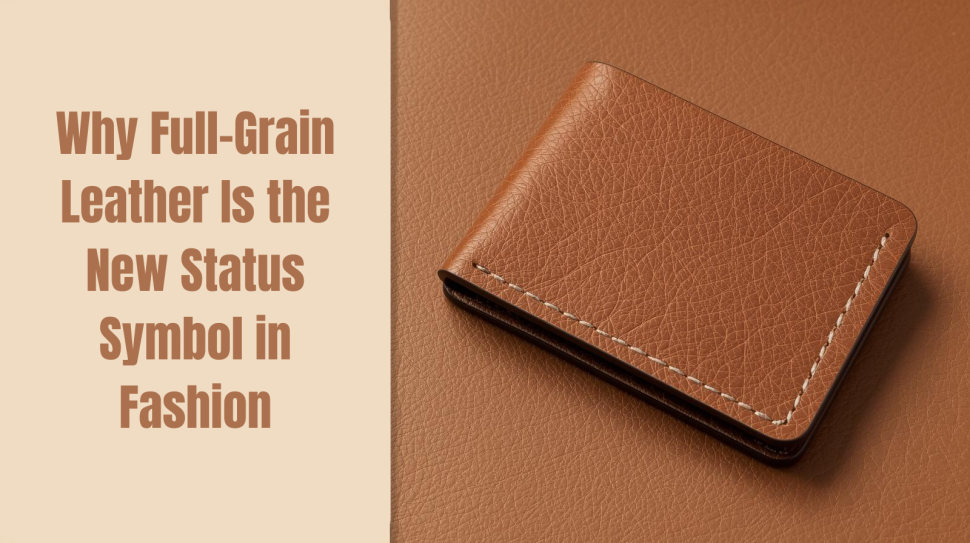
- Genuine leather or high-grade vegan alternatives
- Stitching at stress points and handles
- Metal fittings and smooth zippers
- Pockets and lining that feel premium
Experienced manufacturers such as Rays Creations create products that are designed for repeated purchase and not just the initial sale. This is what protects your margin.
Mistake 2: Buying the Wrong Mix for Your Customers
The supplier’s desire to sell rather than what your customers want to buy is another silent profit killer.
Your ideal product mix might include:
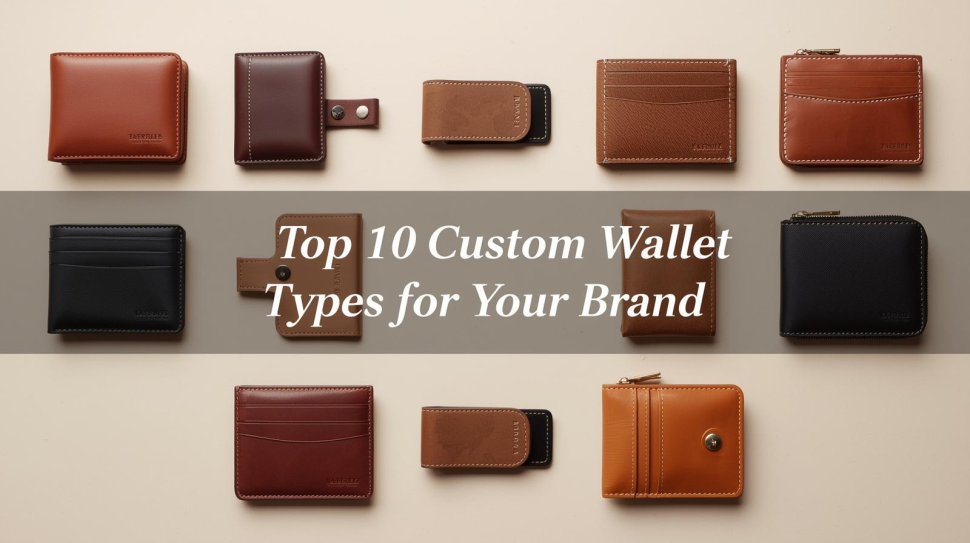
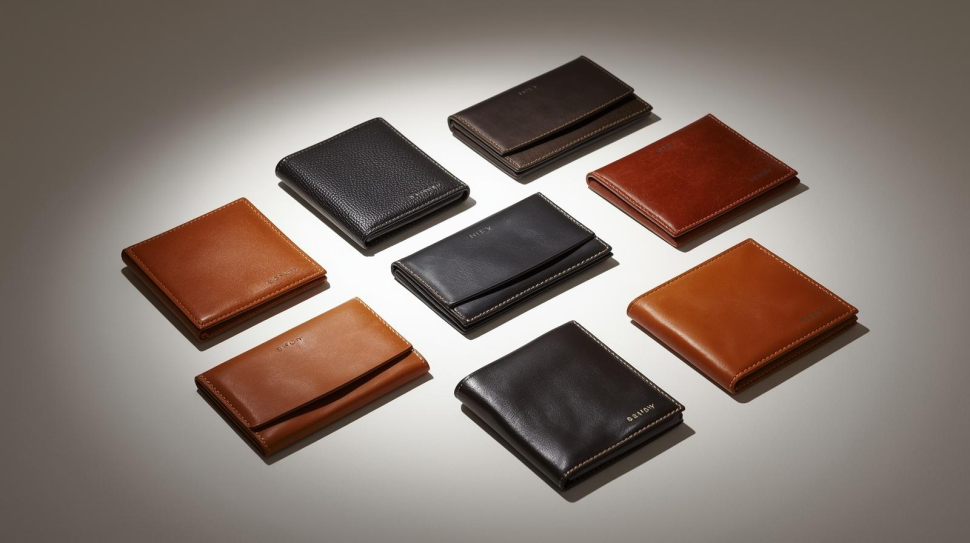
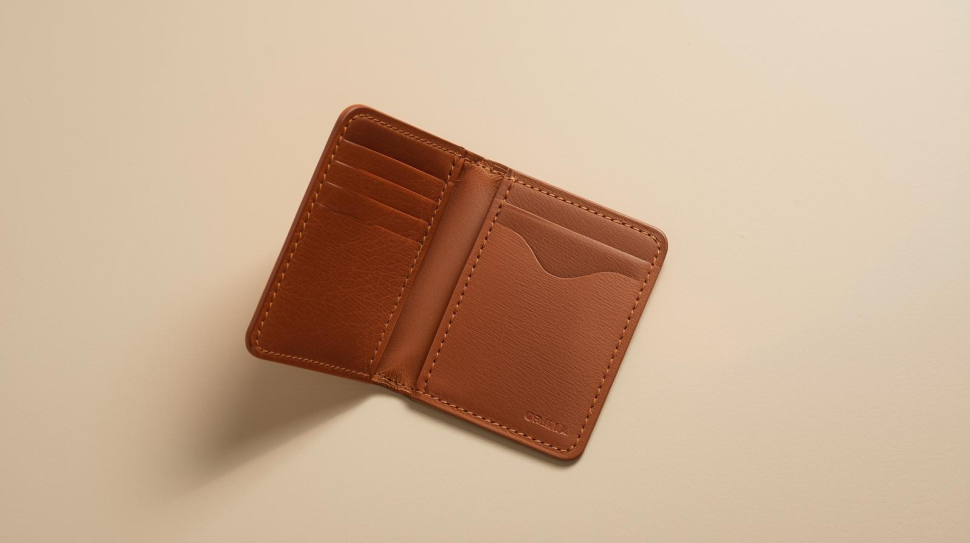
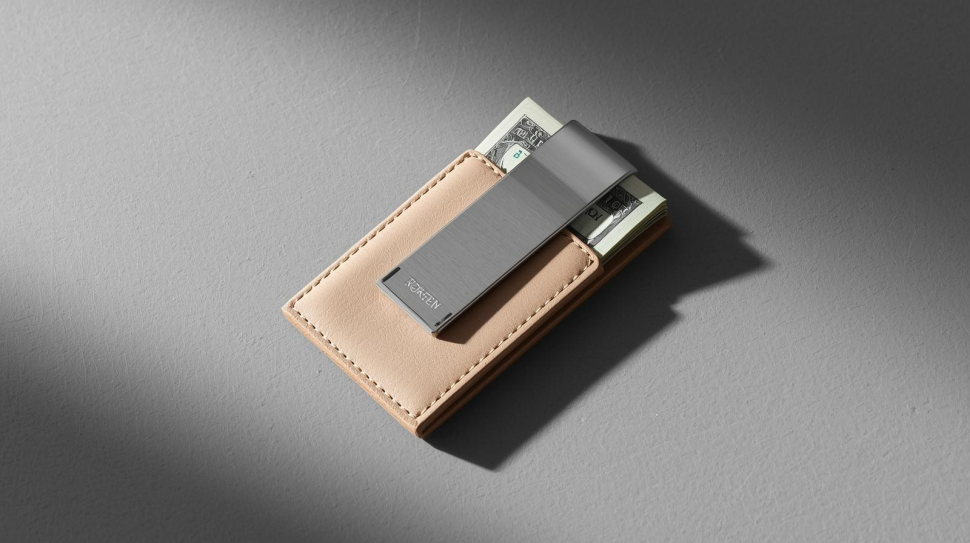
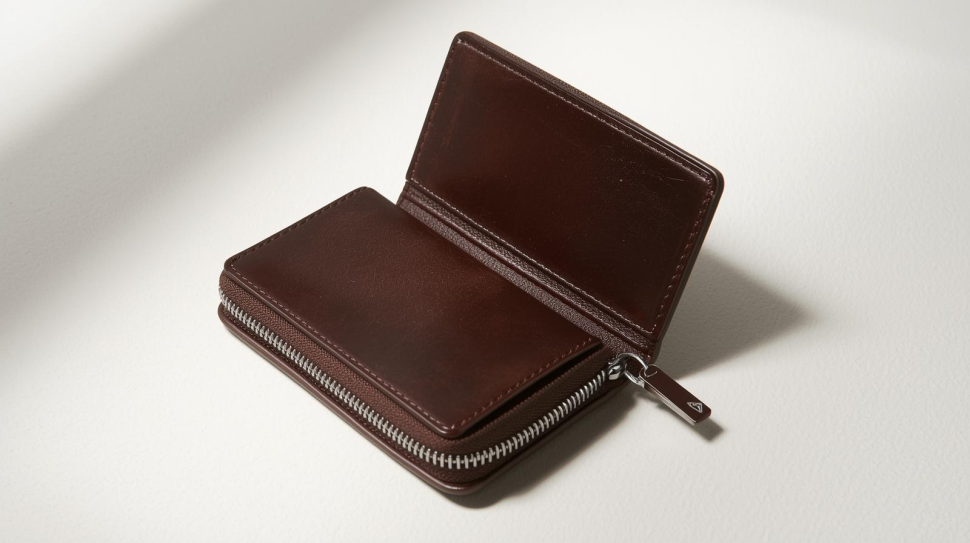
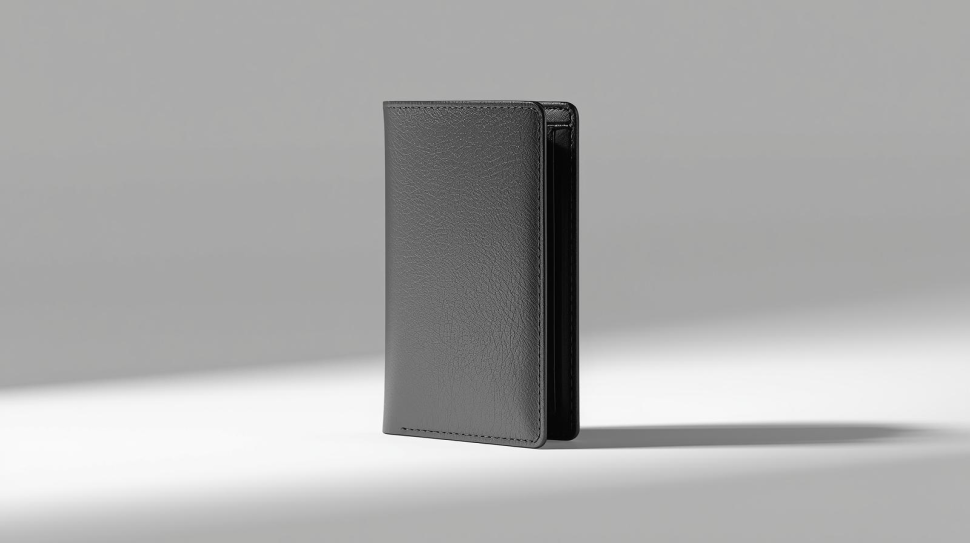
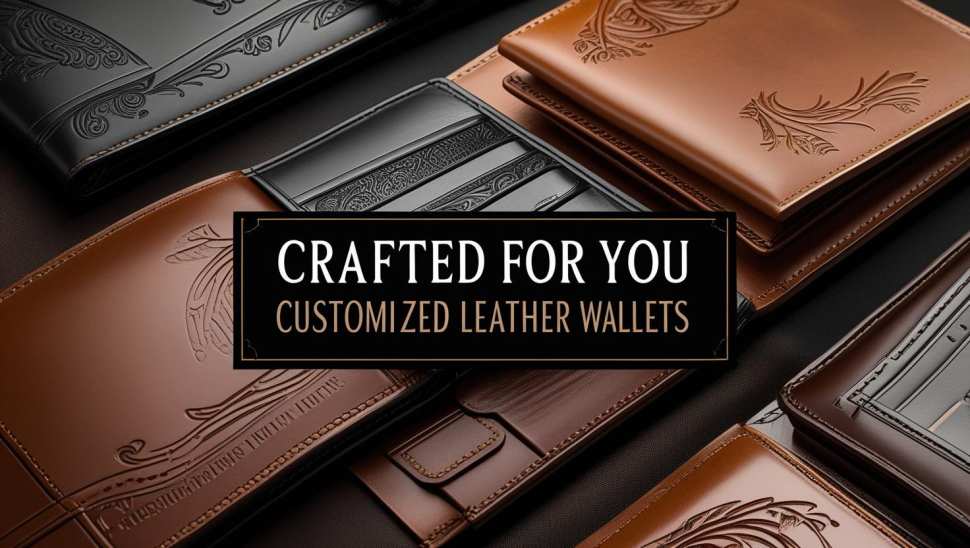
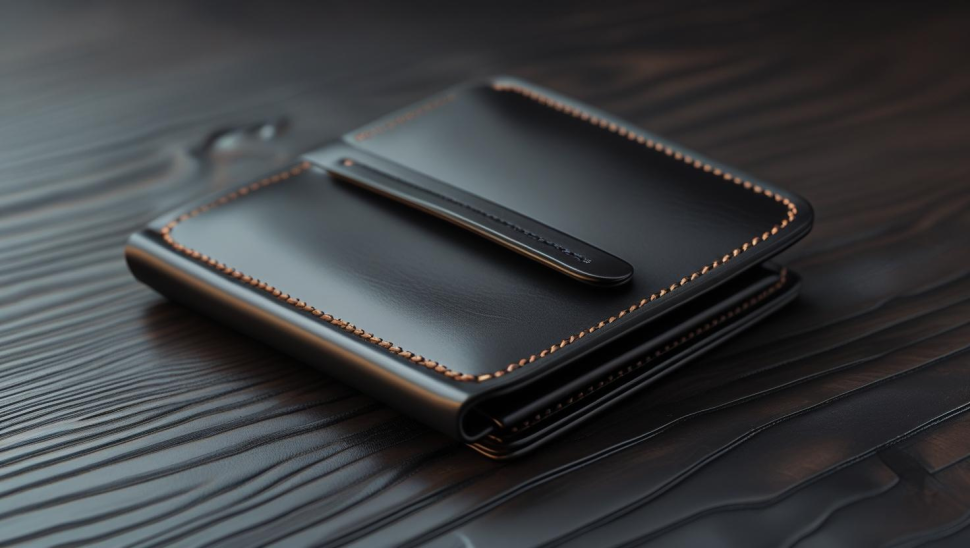
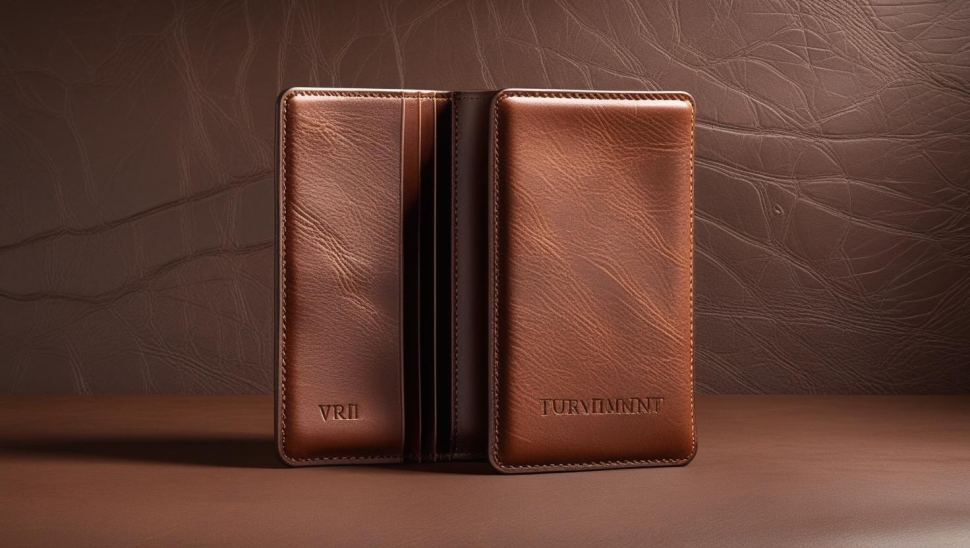
- Leather wallets in bulk for men and women
- Leather purses in bulk of premium quality for fashion-focused buyers
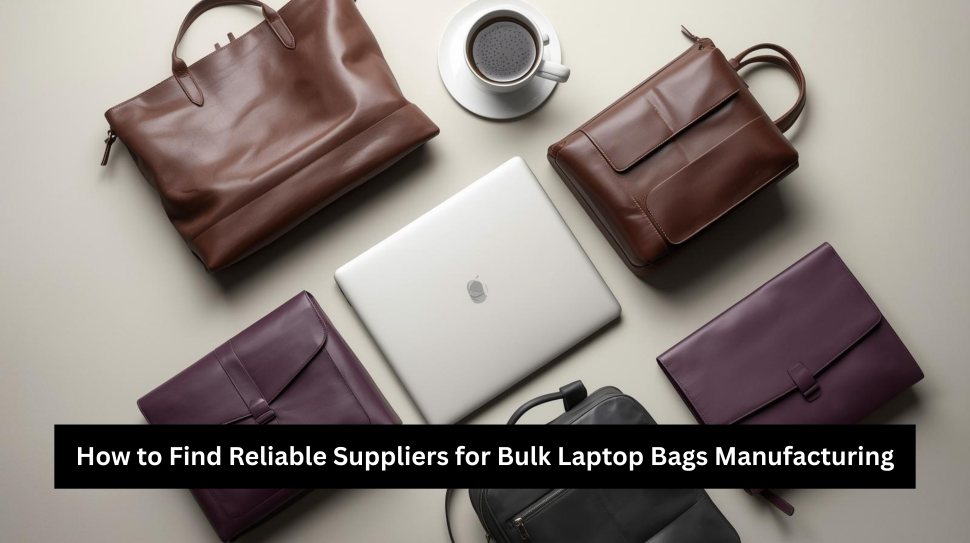
- Laptop bags in bulk for students and professionals.
- Crossbody and tote bags for urban shoppers
For example, if you are selling or shipping to New York City, the demand for Affordable wholesale bulk cross-body bags in NY, USA, may be different from that in smaller cities. Customers who commute on the subway want bags that are compact and secure, with strong straps, as well as organized interiors.
Avoid this mistake
- Look at your current sales data to identify the top-performing SKUs
- What do your repeat customers want you to stock more of?
- Consider seasonal trends such as duffle’s for travel seasons
- Balance the classics with less trendy items.
Rays Creations buyers share their audience profiles and best sellers to build a collection of bulk wholesale wallets & bags based on real demand, rather than guessing. This alone can increase sales and profitability.
Mistake 3: Neglecting Supplier Reliability & Communication
The price and the product images are not sufficient criteria to choose a supplier. Lead times, communication clarity, and reliability will be equally important in 2026 for your business.
Unreliable suppliers create:
- Stockouts at the peak of demand
- Missed launch dates
- Preorders delayed can damage trust
- Air freight costs increased due to late-minute air transport
This problem is present in all categories. You need a partner who communicates well about the production timeline, materials, and shipping.
When evaluating suppliers, look for:
- Minimum order quantities and pricing are transparent
- Realistic production capacity and clear lead times
- Answers to common questions about branding, packaging, and customization
- A consistent point of contact that responds quickly
Brands who work with Rays Creations value timely updates, photos when needed, and an honest timeline. This predictability helps you plan promotions, manage your cash flow, and avoid costly emergencies.
Mistake 4: Ignoring samples and quality control
Ordering large quantities of products without a sample can ruin your entire season.
It is difficult to tell the true quality of leather, stitching, or hardware from a photo. It is important to consider this when purchasing Wholesale Leather Purses or Bulk wholesale leather wallets. The quality of the leather and its finish are very important.
Always:
- You can request physical samples for each key style
- Check the zippers, leather, and lining yourself
- Test the strength of straps by bending and pulling them.
- Check the interior of pockets, compartments, and card slots
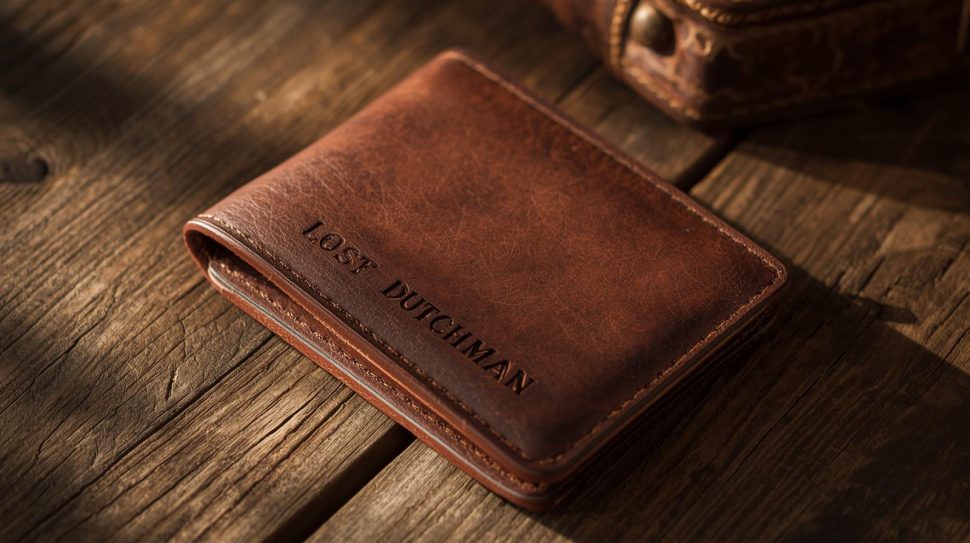
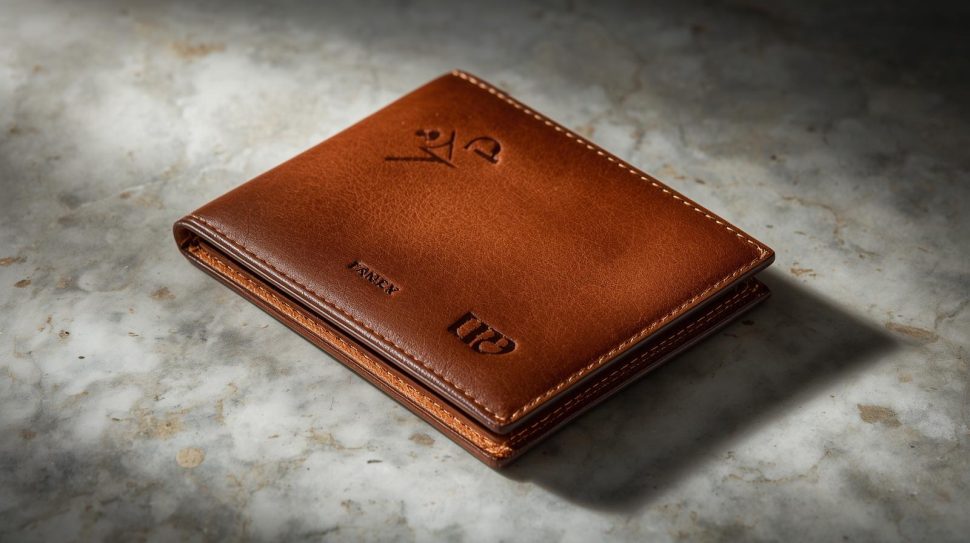
- Check that logos, branding, or embossing are crisp and consistent
Wholesale cross-body bags at affordable prices in NY, USA, should be tested for comfort and security.
Suppliers such as Rays Creations promote sampling to reduce misunderstandings. This allows you to align expectations about color, finish, and size before committing to bulk quantities of wholesale bags & wallets.
Mistake 5: Neglecting branding, positioning, and margins
Bags and wallets are often treated as generic products by many wholesalers and retail stores. This is yet another way to kill profits.
You must consider the following if you want to increase your prices and margins:
- Brand story and positioning
- Price points to be considered for each category
- Value perceived compared to competitors
- Unboxing the product and the customer experience
A simple tote bag can be marketed as a product that is made from premium materials and has thoughtful details to make it suitable for everyday use. Bulk wholesale wallets, and Premium Quality bulk wholesale Leather purses are also positioned to be long-lasting investment pieces instead of impulse purchases.
Start with your desired retail margin and price. Choose bag types and specs that are suitable. Branding tools include:
- Leather embossed with a custom logo
- Branded dustbags or boxes
- Story cards to explain your materials and craftsmanship
- Photographic consistency and lifestyle images
Rays Creations often builds collections so that the same design language flows through bulk wholesale Laptop bags, totes, wallets, and purses. This coherence will strengthen your brand and support higher price points while not feeling overpriced.
How To Choose the Right Bulk Mix for 2026
Here is a framework that will help you build a collection of wallets and bags in bulk.
1. Cover the Everyday Essentials
Start with products that almost every customer will need. This includes:
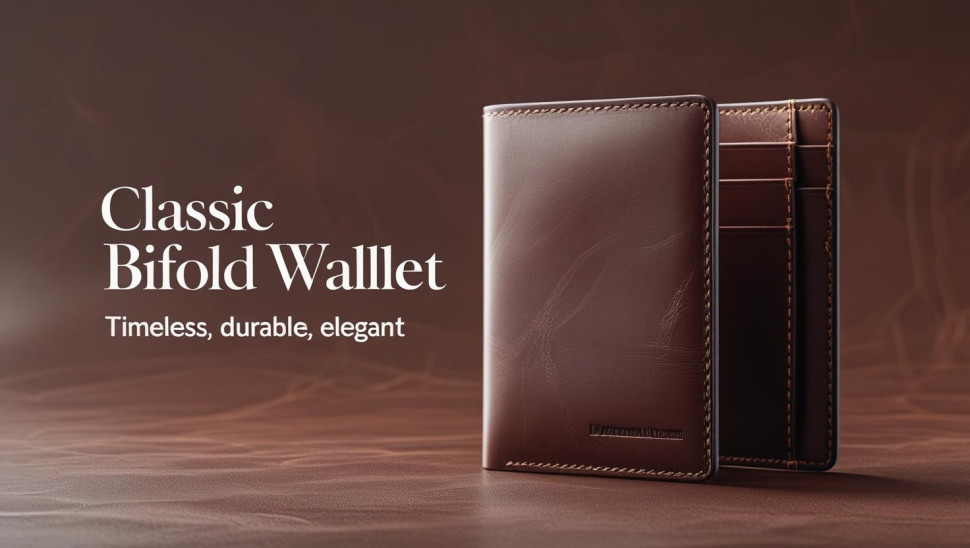
- Classic leather wallets for wholesale in multiple colors
- Compact crossbody bags for daily errands
- Bulk wholesale laptop bags Work-ready
These products are sold consistently and steadily throughout the year, ensuring a steady cash flow.
2. Add Items of High Perceived Worth
Introduce more luxurious pieces. You can, for example:
- Leather purses in bulk with premium quality and rich finishes
- Wholesale tote bags in bulk from one of our best suppliers
- Duffle bags in bulk for travel, gym, and large sizes
You can offer higher prices and margins without increasing your costs.
3. Localize Your Market
For New Yorkers, you can focus on laptop bags, cross-body bags, and commuter bags. Duffle bags and weekender bags are great for travel-focused markets.
Talk to a partner, such as Rays Creations, about your primary markets so that they can recommend styles, colors, and sizes that will sell well in the area.
4. Plan your Reorders and Cashflow
Plan to reorder high-demand SKUs while testing new designs gradually. This balance will keep your catalog current without overstocking and tying up cash.
Why Work with Rays Creations for Bulk Bags & Wallets
Rays Creations is a manufacturer and supplier of bulk wholesale wallets and bags to brands, boutiques, and online retailers worldwide. The focus of our bulk wholesale bags ranges from bulk duffle bags to wholesale laptop bags.
The following are some of the key advantages:
- Custom design for your audience and brand
- Wholesale prices on genuine leather and premium materials
- Flexible MOQs for growing businesses
- Quality control is consistent and timely
- Labels, tags, and packaging that are tailored to your brand
You can protect your profits by partnering with a trusted partner instead of dealing with multiple suppliers.
FAQs about buying bags and wallets in bulk
Q1. How much does it cost to buy wholesale bulk bags and wallets?
A1. The minimum order quantity (MOQ) varies by style, materials, and customization. The minimum MOQ is usually lower for simple bulk leather wallets and basic totes. The MOQs for fully customized Premium Quality bulk wholesale Leather purses and branded Bulk wholesale Laptop bags may be higher. Rays Creations can help you determine the exact quantities that will work with your budget.
Q2. How can I ensure quality before ordering in bulk?
A2. Request physical samples before making a large purchase. Test the zippers, hardware, and stitching. Also, check the interior layout, strap strength, and the quality of the stitching. Wear test is important for categories such as Affordable wholesale cross-body bag in NY, USA. Sample requests are welcomed by a professional supplier because they build trust between the buyer and seller.
Q3. What bag type should I choose if I’m just starting?
A3. Start with a concentrated mix if you’re new to the industry. Most sellers will choose a mix of Bulk wholesale leather wallets and Premium Quality bulk wholesale Leather purses. They may also select a variety of totes from a Top Supplier for bulk wholesale tote bags. You can also expand your business as you discover what customers want.
Q4. How can I avoid dead and overstocked inventory?
A4. Start lean by using data. Order slightly lower quantities initially, and then order more of the proven winners. You can plan your production in batches with a reliable partner such as Rays Creations and avoid locking up huge capital on slow-moving designs.
Q5. How do I design my own products with Rays Creations?
A5. Yes, Rays Creations has worked with many brands to create custom shapes, pockets, strap details, and branding for wallets, purses, and totes. The team will help you turn your concept, sketch, or reference image into a production-ready bag that is unique to your brand.